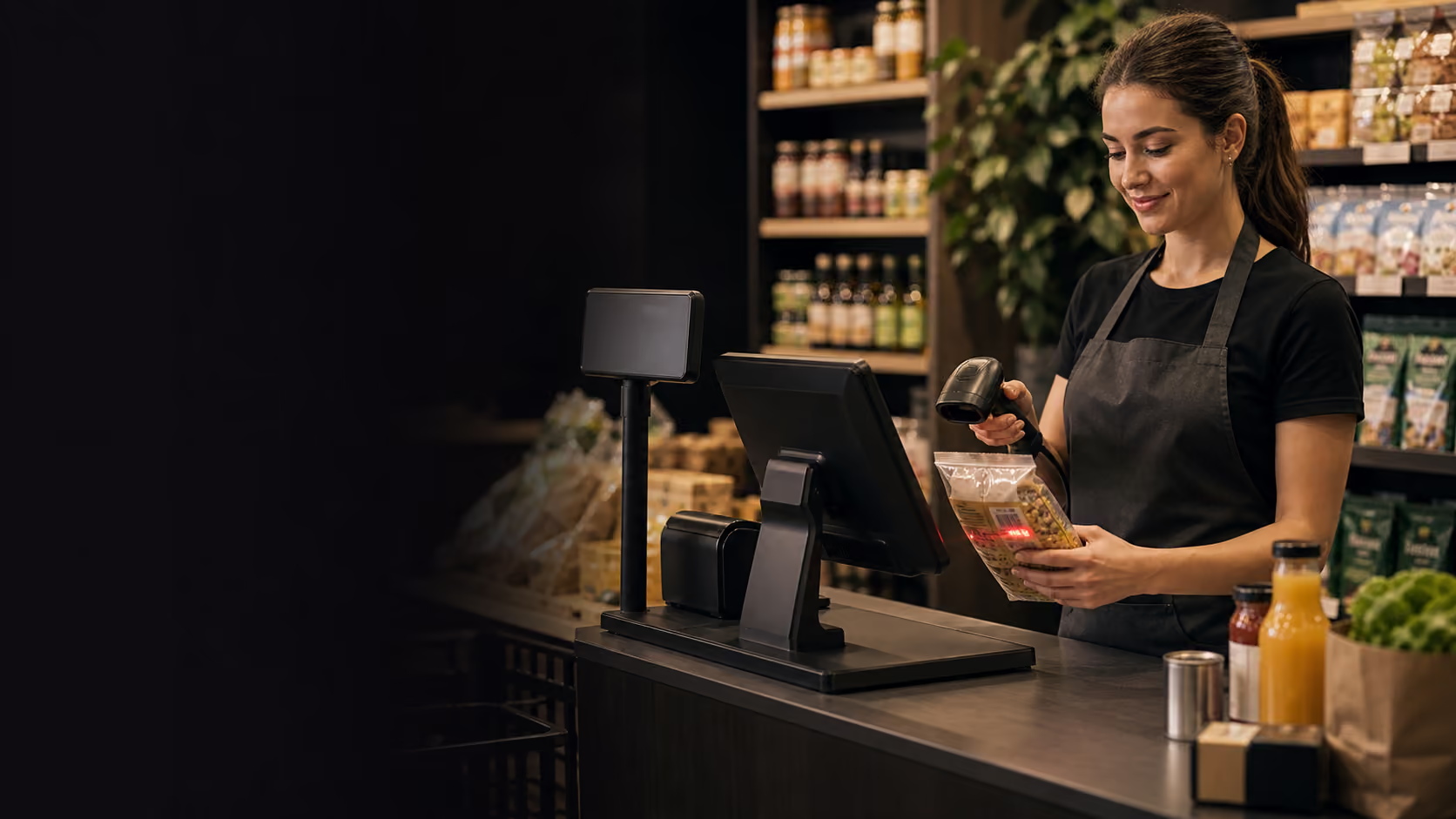
Checkout speed
Look for barcode scanning, product lookup, variants, discounts, refunds, exchanges, customer lookup, and receipt options that keep the counter moving during busy periods. The POS should make the common sale quick while still giving staff enough control for exceptions.
Speed is also about screen layout. Best sellers, categories, search, and payment buttons should be predictable so the team does not hunt for actions under pressure.
Counter workflow
- Scan barcode, search item, or select category without changing screens repeatedly.
- Apply promotions, staff discounts, refunds, and exchanges with manager controls.
- Email, print, or skip receipts without slowing payment.
Inventory accuracy
The POS should update stock from sales, returns, transfers, purchase receiving, and counts, then show low-stock risks before they turn into lost sales. Retail inventory is only useful when the team trusts the number at the shelf, counter, and manager dashboard.
For stores with size, colour, or style variants, confirm that the system handles variants cleanly and reports on them separately. A single product total is not enough when the missing item is one size or colour.
Stock controls
- Live stock on hand by location, product, and variant.
- Low-stock alerts based on sales velocity and reorder points.
- Cycle counts and variance notes that staff can complete quickly.
Reporting and ownership
Daily sales, tender totals, tax, discounts, staff activity, refunds, gross margin, and store health should be easy to review without exporting data into a separate workflow. Owners need a reliable daily view, not a spreadsheet project.
A practical retail POS should show what happened today and what needs action tomorrow: slow-moving stock, high refund categories, top customers, promotion results, and products approaching reorder points.
Reports to compare
- End-of-day summary by tender, staff member, register, and location.
- Product performance, margin, discounts, refunds, and tax totals.
- Customer purchase history and loyalty activity.
Multi-store readiness
Even a single store should avoid tools that make expansion difficult. If a second location, pop-up, market stall, or warehouse is possible, confirm how the POS handles product catalogues, price lists, stock transfers, staff permissions, and consolidated reporting.
The goal is not enterprise complexity on day one. The goal is a clean operating model where each store can trade independently while ownership still sees the whole business.
See how this works in Nexara POS.
Map the workflow to your store, restaurant, or multi-location operation with a product specialist.
Explore retail POS