Retail
Connect barcode checkout, stock, customers, and daily operations to an AI-native system that helps teams serve faster, anticipate demand, and act on what needs attention.
Every barcode should move the sale forward.
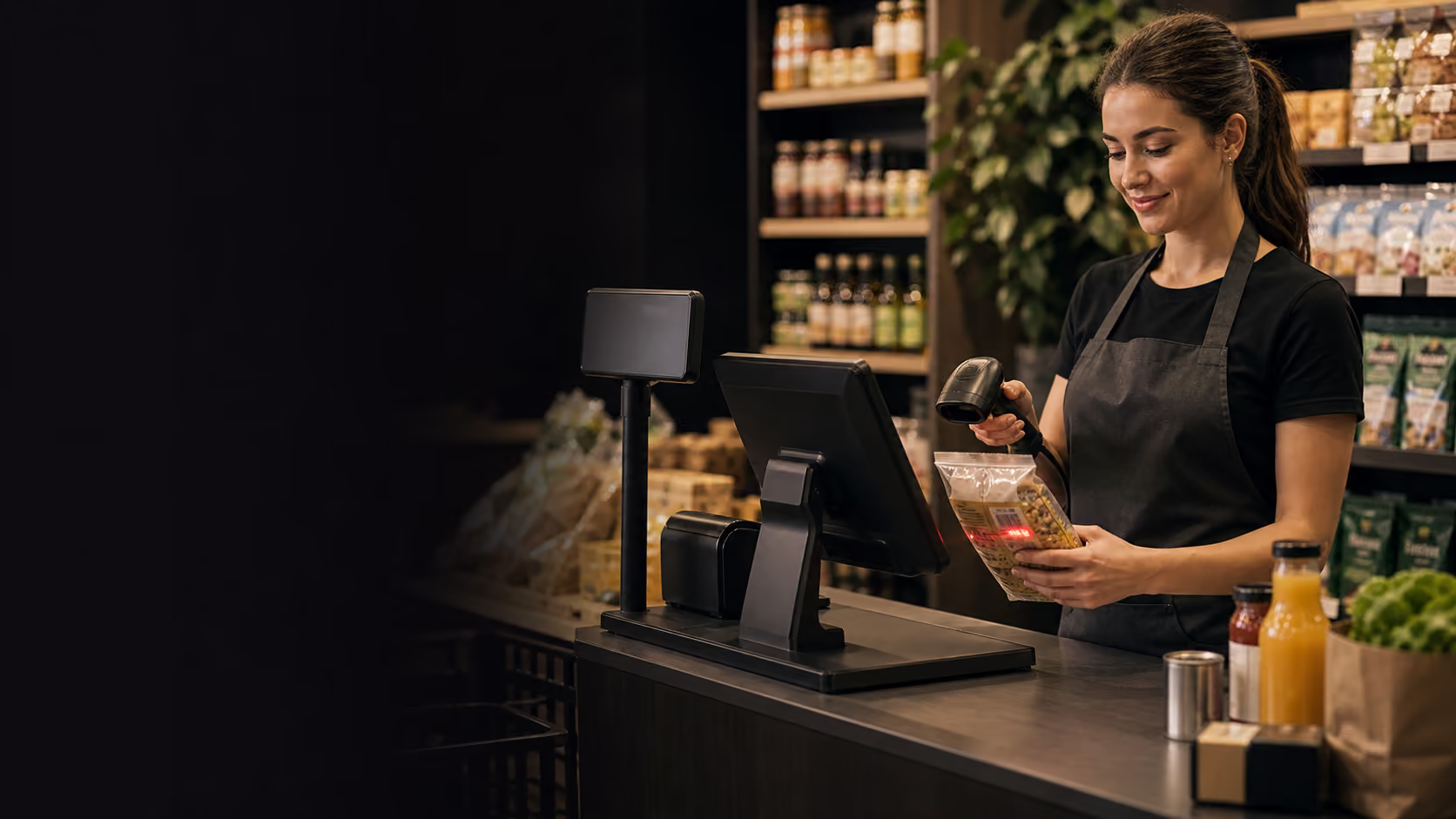
Scan an item, confirm the right price, apply a discount or membership reward, and take payment without sending staff into another system.
Checkout in progress
Scan time
0.8s
Basket
6 items
Member
Found
Tender
Ready
Scanned cart
Register 03
Checkout rail
Product found by barcode
0.8 sec scan
Member rewards attached
Profile matched
Payment ready
Card, cash, refund
After tender
Stock, customer history, and sales totals update from the same transaction.
One counter flow for the moments staff repeat all day.
Retail teams need speed at the register first. Nexara keeps the core sale simple while still updating stock, customer history, and daily numbers behind the scenes.

Items land in the cart quickly
Barcode scanning and product search keep staff focused on the customer instead of hunting through menus.
Promotions stay controlled
Staff can apply approved discounts, bundles, and price overrides with a clear record of who changed what.
Members are recognized at checkout
Look up regulars, attach rewards, and keep purchase history useful without slowing the sale.
Payment and receipt happen cleanly
Take payment, send the receipt, and let the transaction update the store records automatically.
After every sale
The sale stays simple. The rest updates quietly.
Product availability and on-hand status update as each order is completed.
Updated from every salePurchase history, rewards activity, and preferences stay attached to the member profile.
Linked to the completed orderSales, tax, discounts, and tender activity flow into the reporting view automatically.
Ready for back-office reviewPlan your setup
Build the right POS flow for your business.
Talk through your retail or hospitality workflow and see how Nexara connects your counter, floor, team, and launch plan to one AI-native operating system.