One AI-native foundation for the way your business sells.
Connect checkout, service, inventory, loyalty, and reporting to live operational intelligence that helps your team understand, decide, and act.
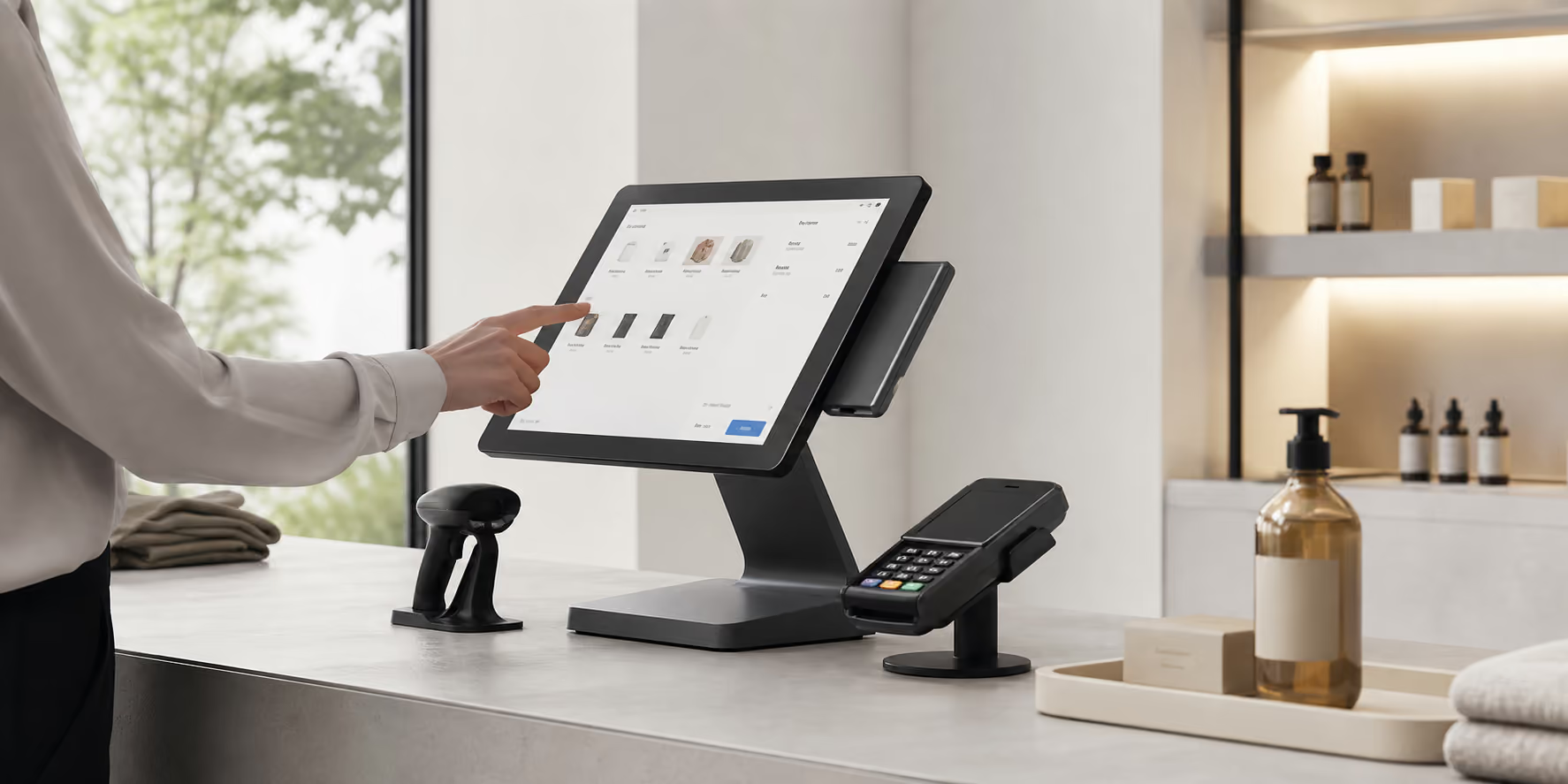
One connected POS foundation
Everything your team needs to sell, serve, and stay in control.
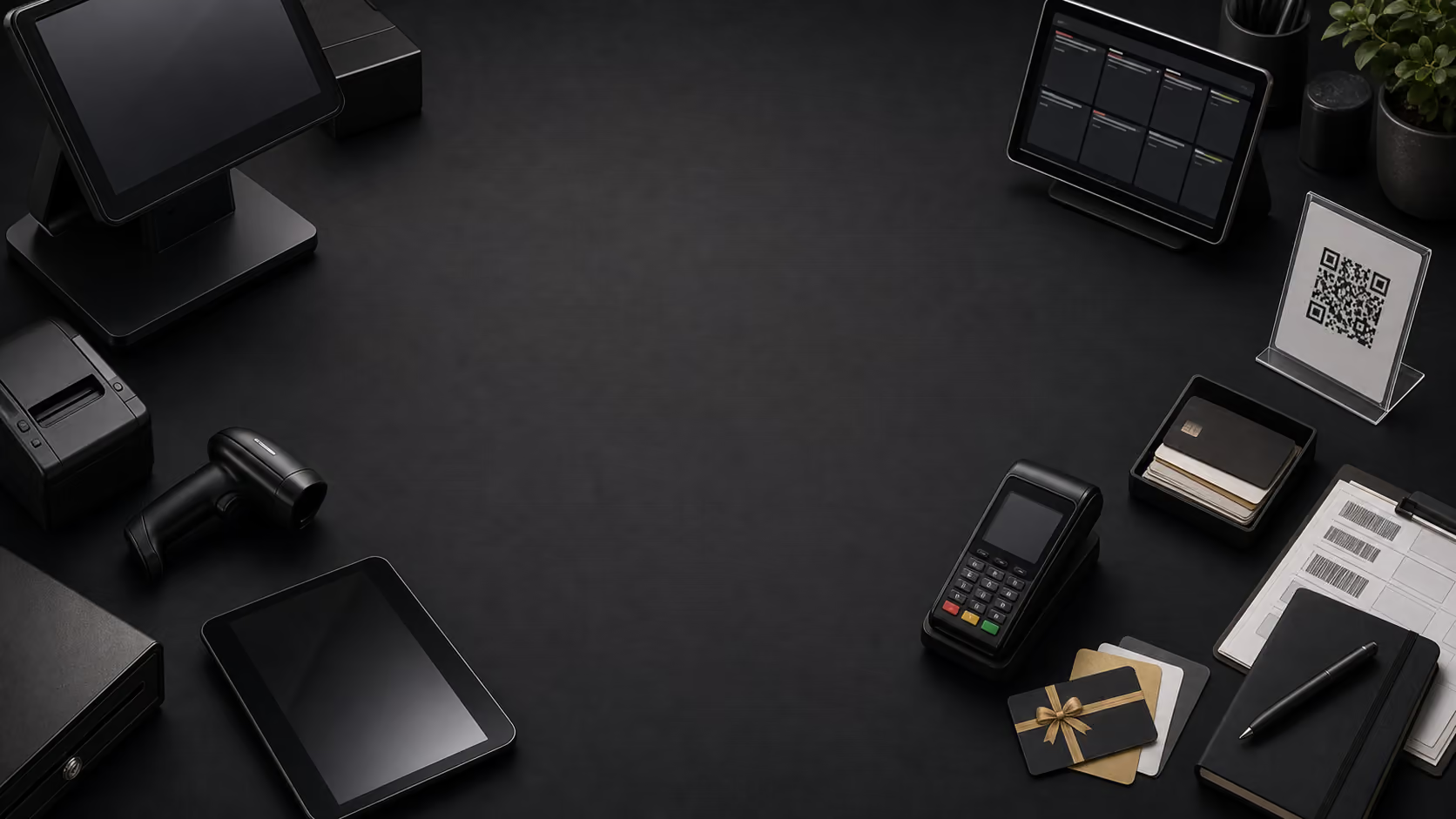
Nexara connects every transaction with inventory, customers, staff, reporting, and Nex AI—so information moves with the work instead of being pieced together later.
point_of_sale
Checkout & payments
Sales, refunds, discounts, and payments
inventory_2
Inventory & menus
Products, pricing, stock, and modifiers
loyalty
Customers & loyalty
Profiles, visits, rewards, and preferences
monitoring
Reporting & Nex AI
Live context, clearer answers, and next actions
auto_awesome
Explore All Features arrow_forward
Connected intelligenceOne live view of the business
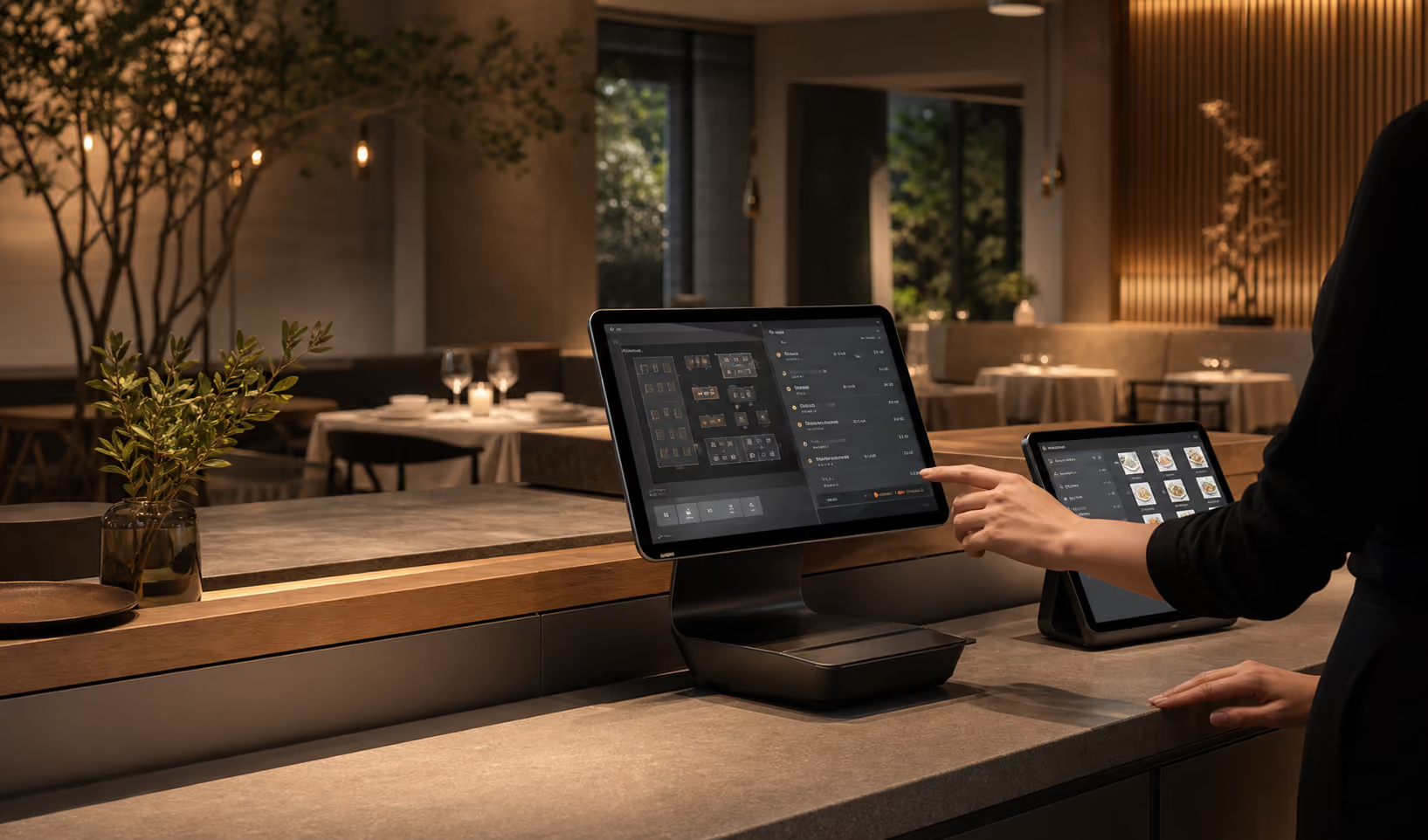
Pick the solution that fits your floor.
Retail and hospitality teams share the same Nexara foundation, but each setup focuses on the workflow your staff repeat every day.