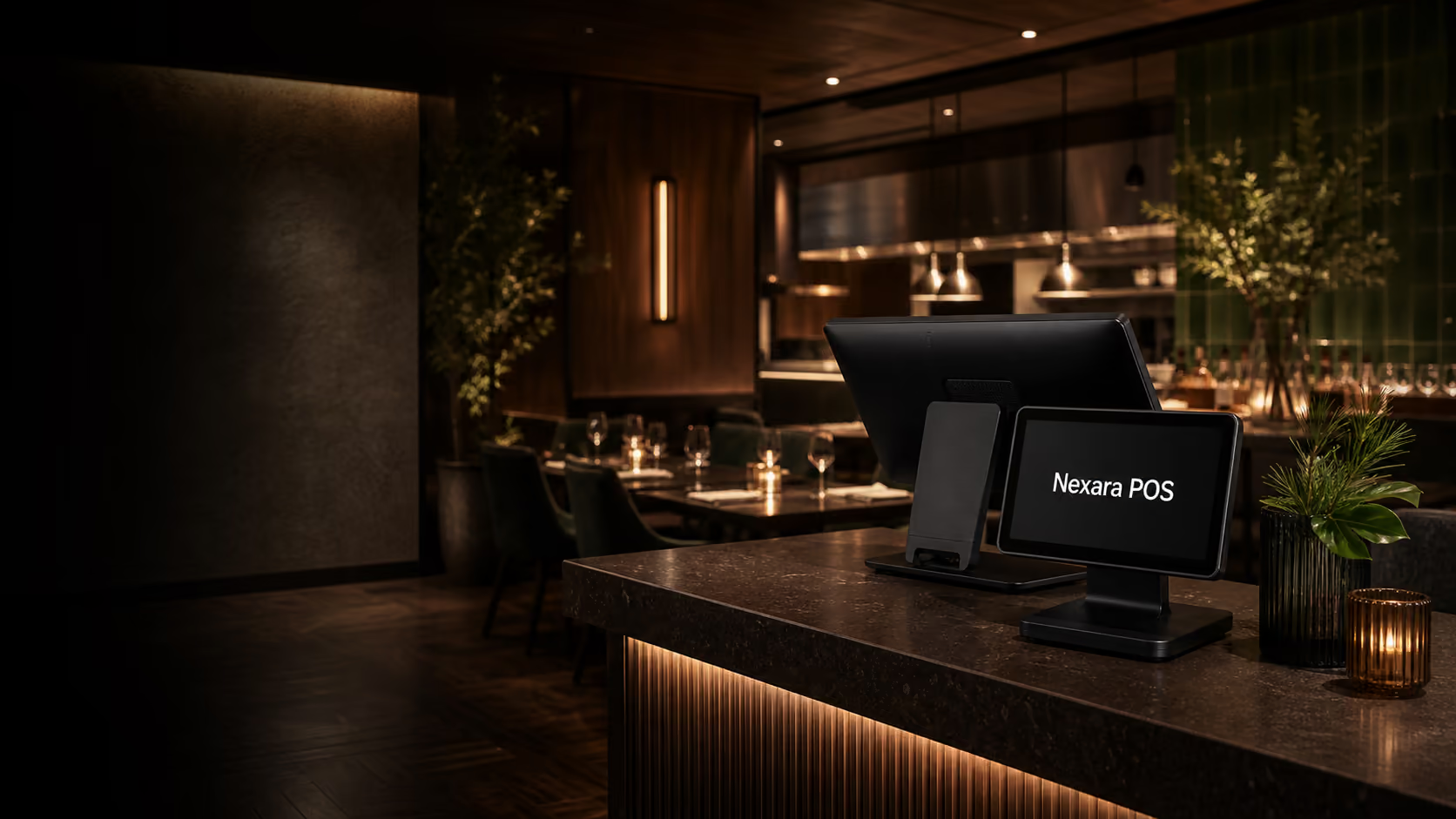
Connect the floor and the kitchen
A restaurant POS should carry table, order, modifier, note, allergy, course, and payment context through the whole visit so staff do not rebuild the same information in different systems. Every extra re-entry point creates service risk.
For venues with counter, table, delivery, and QR channels, routing rules matter. The kitchen should see what to prepare, where it came from, when it is due, and which items belong together.
Service flow checks
- Tables, tabs, courses, modifiers, notes, and payment splits stay connected.
- Kitchen tickets route by station and channel.
- Managers can see open tables, late orders, and payment status at a glance.
Keep busy service visible
Kitchen display timing, table status, queue pressure, and payment readiness help managers spot pressure before it slows the room. Visibility is especially important during staff handovers, large tables, delivery spikes, and late kitchen tickets.
A good hospitality POS gives the floor team enough information to act without walking to the kitchen every few minutes. That means clear order states, prep timing, table notes, and guest context.
Operational signals
- Late tickets, ready orders, and held courses are obvious.
- Table status reflects seated, ordered, served, paid, and reset states.
- Channel volume is separated so delivery does not hide dine-in pressure.
Match channels to operations
QR ordering, delivery, reservations, waitlists, and kiosks are most useful when they land inside the same POS and kitchen flow instead of adding another screen to manage. The value comes from orchestration, not from adding more channels for staff to monitor.
Before adding a channel, decide who owns exceptions: unavailable items, guest notes, refunds, delivery delays, table changes, and payment disputes. The POS should make those exceptions visible and traceable.
Channel fit
- Online and QR orders enter the same reporting and kitchen flow.
- Menu availability can be controlled without editing several systems.
- Payments, refunds, and customer records stay tied to the order.
Plan training around real service
Training should use your actual menu, table layout, modifiers, payment types, and service scenarios. Staff need to practise common flows before go-live: opening a tab, moving a table, sending courses, voiding an item, splitting a bill, and closing the day.
The strongest rollout is usually staged. Set up the core POS first, test kitchen routing, train managers, then add QR ordering, reservations, marketing, or kiosk workflows once the team is steady.
See how this works in Nexara POS.
Map the workflow to your store, restaurant, or multi-location operation with a product specialist.
Explore hospitality POS