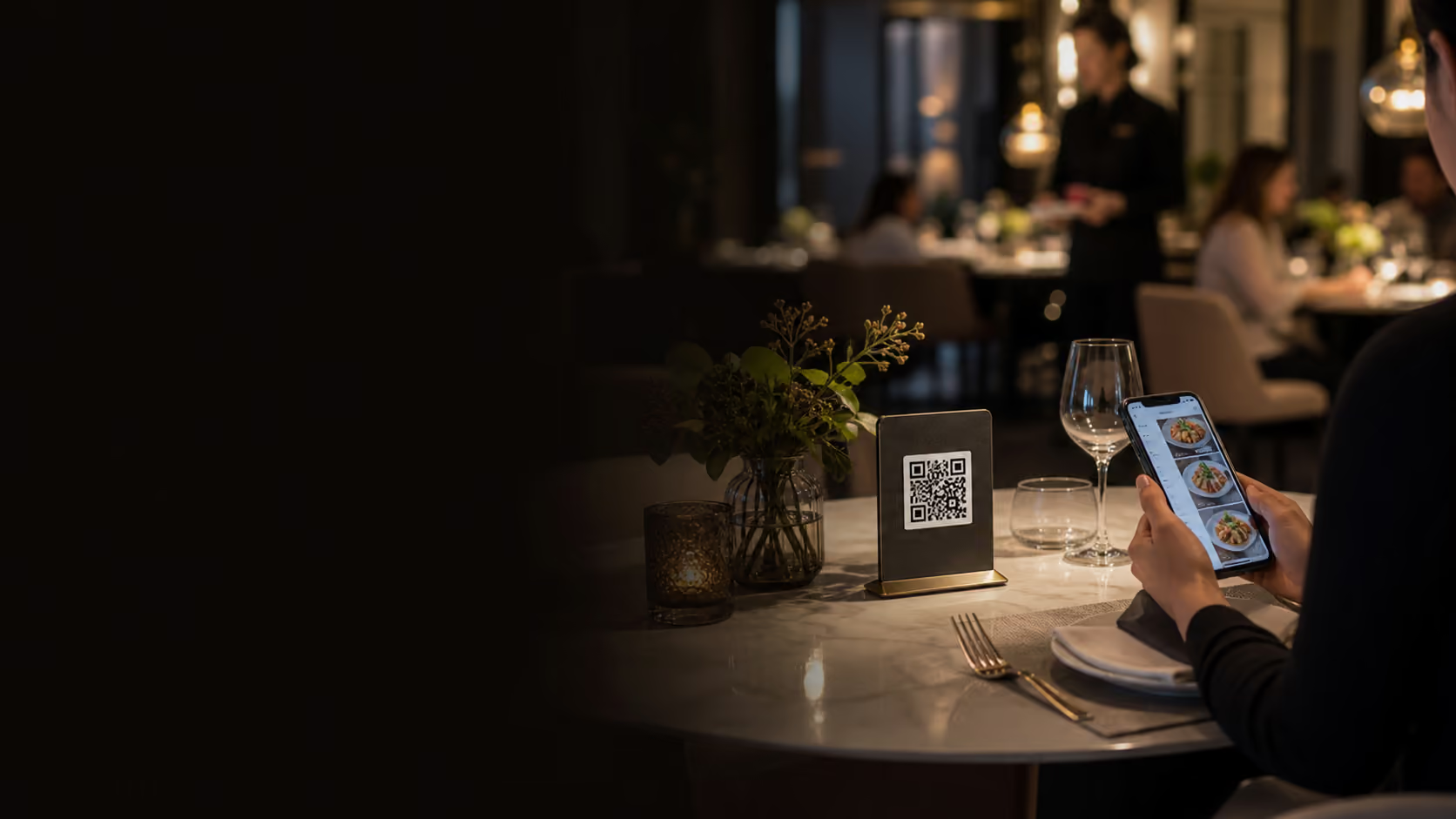
Where QR ordering helps
QR ordering is strongest for high-frequency menu items, peak counter pressure, casual table service, quick reorders, and venues that want payment to happen closer to the guest. It can shorten queues, reduce missed upsells, and let staff focus on hospitality instead of repeated order entry.
It also helps when the menu changes often. A digital ordering flow can reflect sold-out items, specials, images, modifiers, and add-ons more quickly than printed menus.
Best-fit venues
- Cafes, casual restaurants, food courts, bars, and quick-service venues.
- Menus with repeat items, add-ons, combos, or frequent specials.
- Teams that need payment and ordering capacity during peaks.
Where it needs care
Fine dining, allergy-heavy menus, and complex service moments still need staff judgement. The best setup lets QR ordering support the team without replacing hospitality. Guests should always have a clear path to ask for help.
QR ordering can also create friction if the menu is poorly structured. Long item names, unclear modifiers, missing photos, and confusing payment steps can turn a time saver into a guest support burden.
Design safeguards
- Keep allergy notes, item availability, and modifier choices clear.
- Allow staff-assisted ordering for guests who prefer it.
- Test the whole flow on common phone sizes before launch.
Make the kitchen connection non-negotiable
Every QR order should reach the POS and kitchen display with table, modifier, payment, and timing context intact. Otherwise the front-of-house time saved becomes back-of-house confusion.
Kitchen routing should separate dine-in, pickup, delivery, and bar orders where needed. Staff should be able to identify paid orders, open table orders, reorders, and guest notes without asking the floor team to interpret the ticket.
Integration requirements
- Orders flow directly to POS, KDS, reporting, and payment records.
- Sold-out items and menu changes update quickly.
- Table number, guest name, modifiers, and notes are visible in the kitchen.
Measure impact after launch
QR ordering should be reviewed after the first few services. Track order volume by channel, average order value, reorder frequency, payment completion, late tickets, staff feedback, and guest questions. Those signals show whether the flow is reducing pressure or shifting it elsewhere.
Small adjustments can make a large difference: simplifying modifiers, moving popular items higher, adding images to confusing items, changing table signage, or turning QR ordering on only for certain areas or time periods.
See how this works in Nexara POS.
Map the workflow to your store, restaurant, or multi-location operation with a product specialist.
Explore QR ordering